
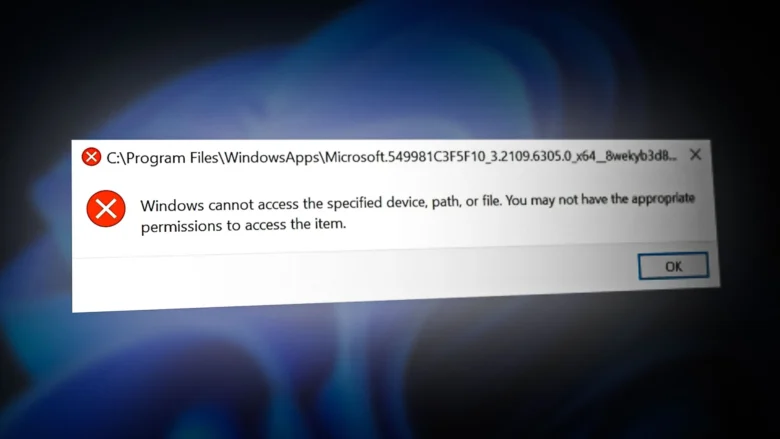
I remember the frustration vividly. Every time I tried to work on my laptop, a pop-up window would appear—sometimes warning me about updates, other times about errors I didn’t understand. It was relentless. At first, I ignored it, hoping a restart would help. It didn’t. Then I tried temporary fixes, like closing pop-ups or installing …
To keep your computer quick, efficient, and reliable, you need to clean and optimize it regularly. Over time, computers accumulate unnecessary files, background processes, and other junk files. This slows down your computer and reduces your productivity. For computer beginners, understanding how to clean and speed up their computer can significantly improve their daily productivity. …
In today’s digital age, good audio and video quality is no longer a luxury, but a necessity. Poor audio and video quality can significantly impact your online learning experience, video conferencing, watching movies, creating content, or gaming. Stuttering, audio distortion, buffering, and excessively long playback times can quickly ruin your experience. The good news is …
A slow laptop can be frustrating. Programs take forever to load, websites lag, and even simple tasks like typing or browsing feel sluggish. While buying a new laptop is an option, it’s not always necessary. Most laptops slow down due to common issues that can be fixed with a few practical steps. In this guide, …
Temporary files are small files created by your computer and applications to store data temporarily. While they are meant to improve system performance, over time, they can accumulate and slow down your PC or laptop. Cleaning temporary files regularly is a simple way to improve speed, free up storage space, and keep your system running …
Laptop overheating is a common problem that can affect performance, reduce hardware lifespan, and even cause sudden shutdowns. While high temperatures are sometimes unavoidable during heavy tasks like gaming or video editing, most overheating issues can be prevented with simple measures at home. In this guide, we’ll explain why laptops overheat and provide practical, beginner-friendly …
Updating your computer is essential for security, performance, and new features. However, many users experience slowdowns immediately after installing updates. A previously smooth-running PC may suddenly feel sluggish, with longer boot times, laggy programs, and delayed responses. Understanding why this happens and how to fix it can help maintain both performance and stability. This guide …
Nothing is more frustrating than waiting several minutes for your Windows computer to start. A slow boot not only wastes time but can also indicate underlying system issues. Fortunately, improving Windows boot speed is possible without technical expertise. By optimizing startup programs, managing system settings, cleaning unnecessary files, and maintaining your hardware, you can enjoy …
Laptop freezing is one of the most frustrating problems a user can face. You’re typing a document, watching a video, or working on an important project, and suddenly your laptop stops responding. The cursor doesn’t move, programs won’t close, and restarting seems like the only solution. While it may feel like your laptop has permanently …
A slow PC can be incredibly frustrating, especially when tasks that should take seconds start taking minutes. One of the main reasons your computer slows down is inefficient storage management. Your hard drive or SSD stores your operating system, programs, and personal files, and if it’s cluttered or mismanaged, your PC’s performance suffers. In this …